

Overview
A check-in records when a customer accesses your location. Customers check in using whatever method you have configured — and they can usually use more than one. Every successful check-in is logged, giving you an accurate record of who was on site and when.How to access
Check-in activity is visible under Operations → Check-ins. The methods themselves are configured through the relevant access control integrations and location settings.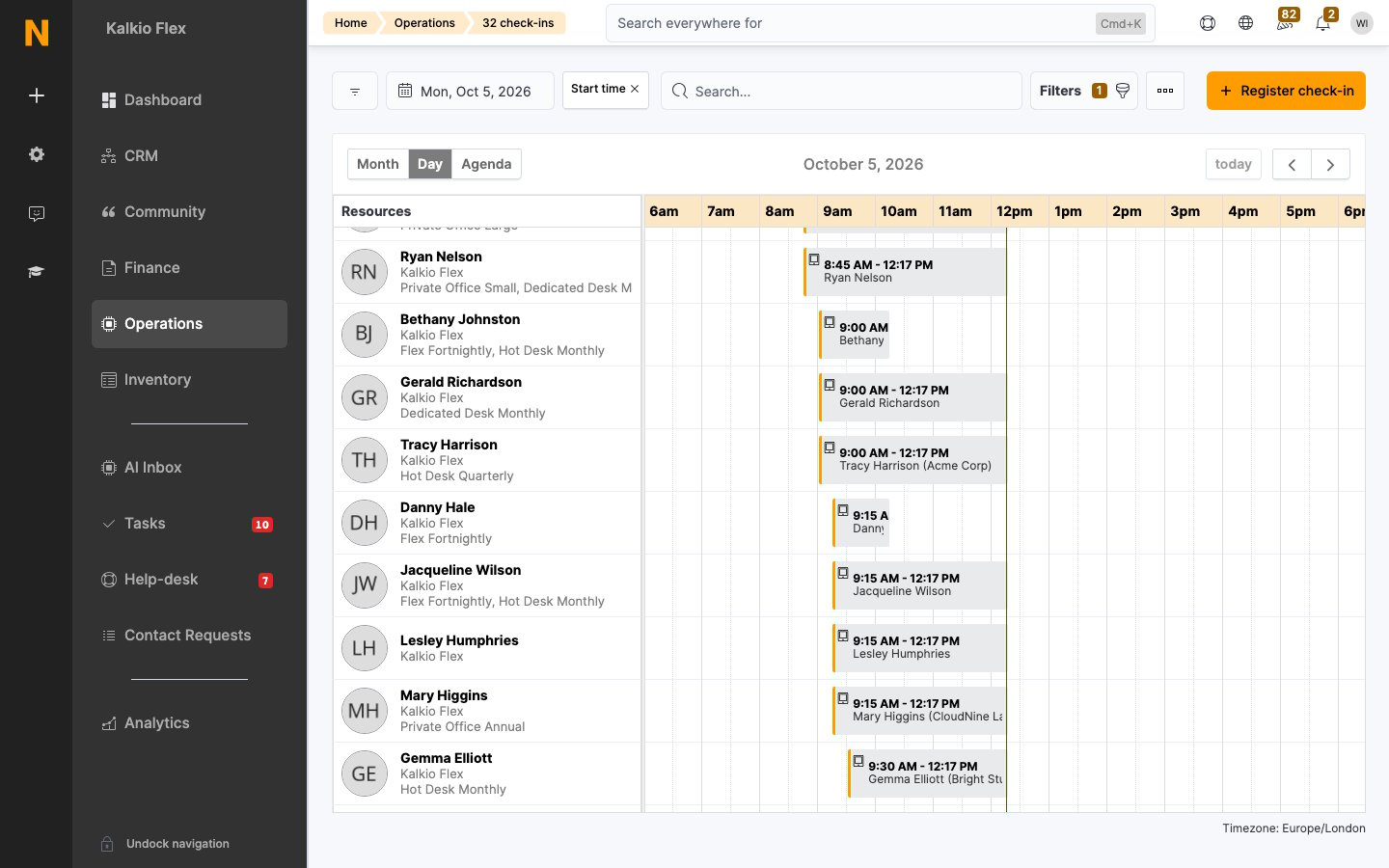
Available methods
Check-in methods fall into two groups: manual and automated. The methods you choose depend on how you want customers to check in to your location.Manual methods
With manual methods, either you or the customer records each check-in and check-out.Automated methods
With automated methods, Nexudus records check-ins and check-outs without any action from you or the customer.Key concepts
- A check-in requires a valid pass. Regardless of method, the customer must hold a pass covering the location and time — otherwise the attempt is recorded as a failed check-in.
- Failed check-ins are tracked. Attempts that don’t succeed appear in the check-in list with the reason, which is how you spot an expired pass or a provisioning problem.
- Method availability follows your setup. Only the methods you have configured (integrations, hardware, passes) are available to your customers.
Related
- Check-ins — reviewing check-in and failed-check-in records
- Access control integrations — the hardware behind each method
- Wi-Fi — network-based access codes
- Passes — the entitlement every check-in depends on