

Overview
Layer8 is a network management and IT support platform for flexible workspaces. When you connect it, Nexudus syncs each location’s desks, tenancies, and customers’ Wi-Fi credentials to a building in Layer8, which runs the network itself. The integration is free in Nexudus. You need a Layer8 account — contact Layer8 to set one up.Setting up Layer8
1
Get your Layer8 details
Ask Layer8 for your API Key and Account ID.
2
Turn on the integration
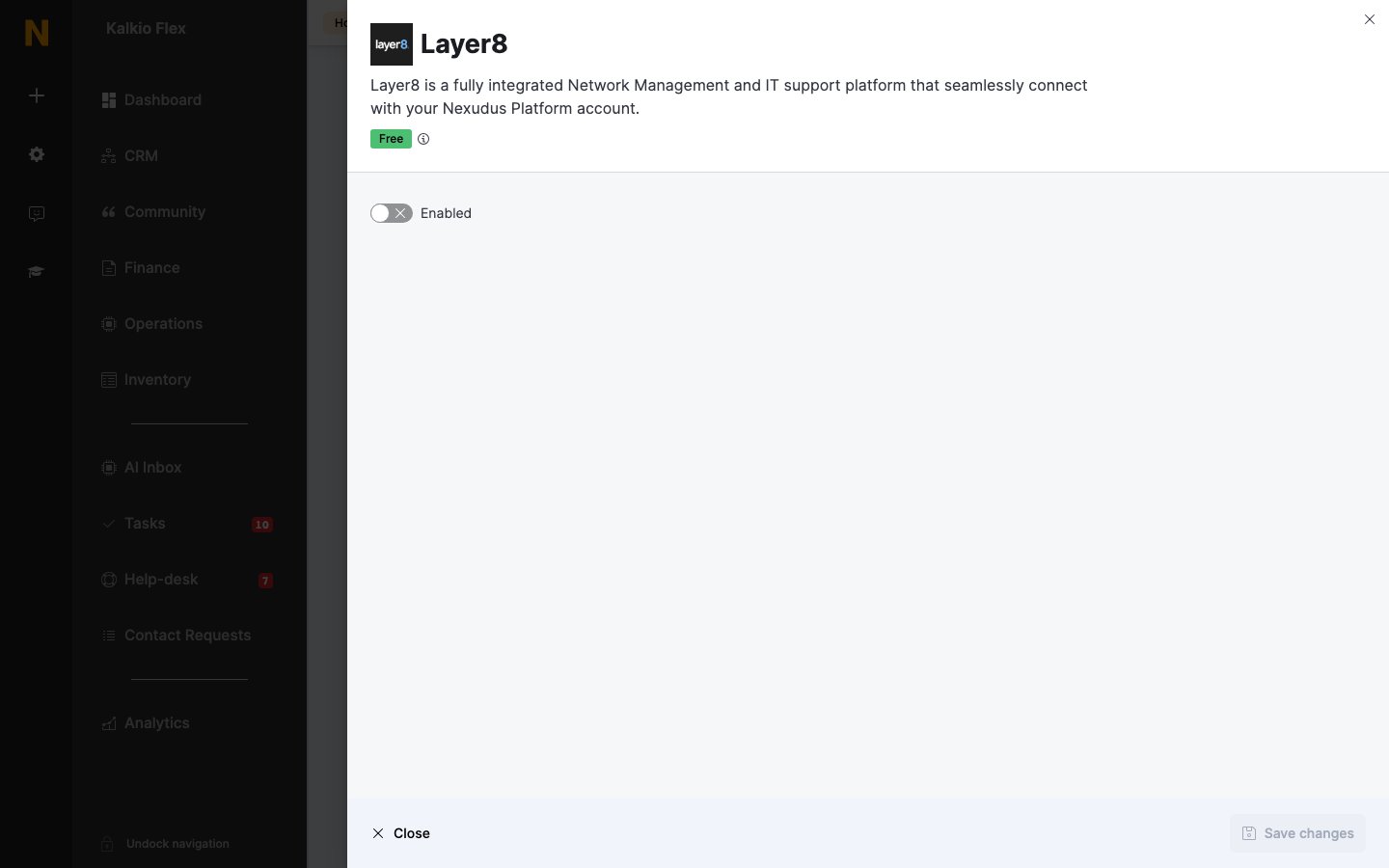
Go to Settings → Integrations → Layer8, turn on Enabled, and enter your API Key and Account ID.
3
Choose the building
Enter the Building code of an existing Layer8 building to sync this location to it. Leave it empty and Nexudus creates a building in Layer8 with a random five-digit code the first time it syncs, then saves the code here so the same building is used from then on.
4
Save
Save the settings. Repeat for each location that uses Layer8.
Related
- Wi-Fi — who can connect, check-ins, and troubleshooting
- Floor plans — the desks and offices synced to Layer8