

Overview
Team administrators are customers who manage a team from the Members Portal, for example a company’s office manager. They can see the team’s bookings and booking statistics, manage team members’ accounts, and edit the team’s directory profile. The team’s Profile tab is where you choose its administrators and set up how the team appears to other members.How to access
Go to Operations → Teams, open the team and select the Profile tab.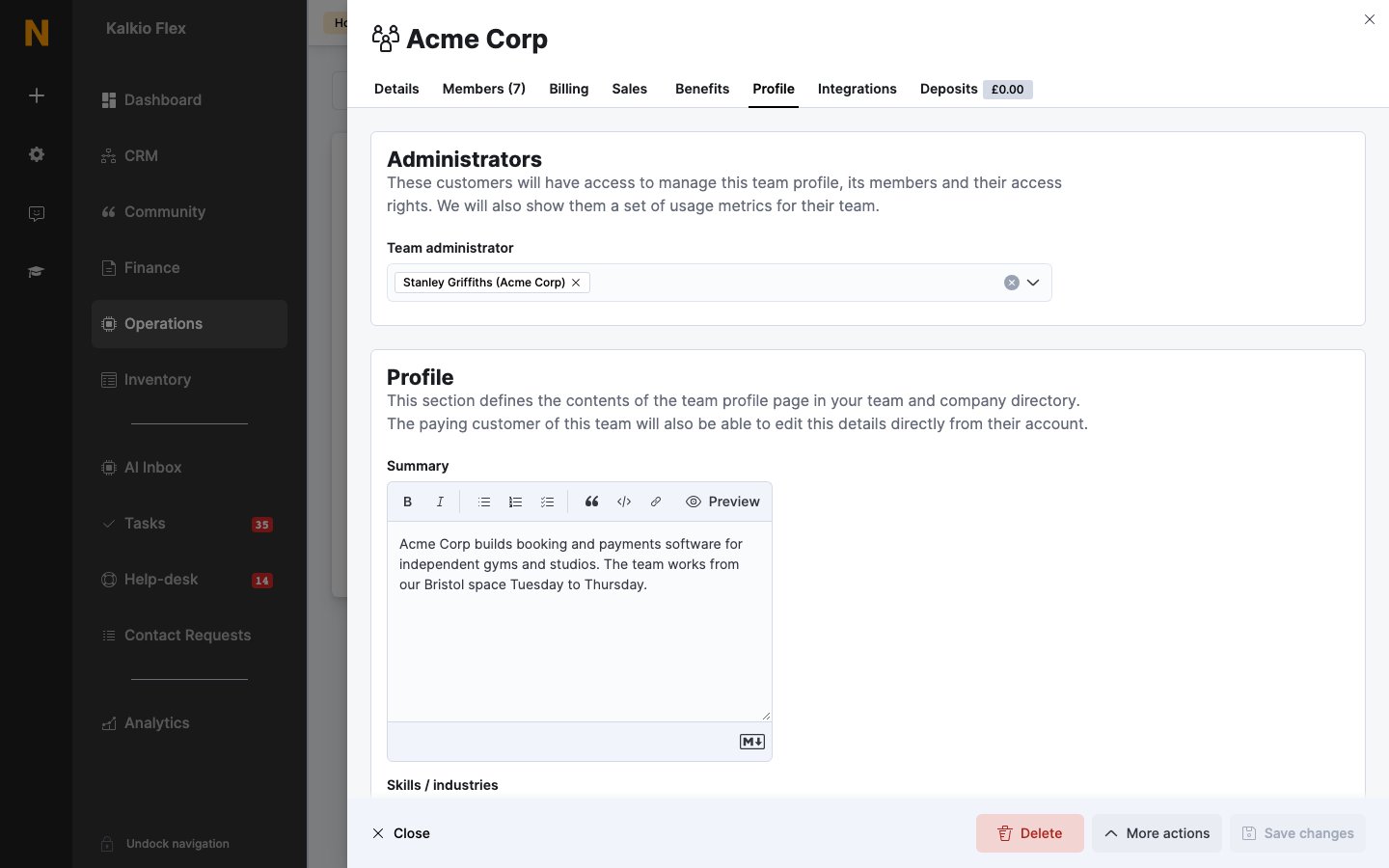
Add or remove administrators
- Add an administrator: choose the customer in Team administrator and save. They get access straight away.
- Remove an administrator: remove them from Team administrator and save.
What administrators can do
Choose what team administrators can do for every team under Settings → Features → Modules → Team, in Team and attendance modules:
See Team management for what administrators see in the Members Portal.
Team profile
The rest of the Profile tab sets up the team’s page in your team and company directory:
The team’s paying customer can also edit the profile from their account.
Only publish a team’s profile once the team has agreed to appear in your directory.