

Overview
Time credit is an allowance of time customers can use to book certain types of resource — for example 5 hours of meeting rooms a month. When a customer books one of those resources, Nexudus uses their time credit first, so the booking is free until the credit runs out and only the extra time is charged. You create a time credit once, then include it in your plans and products.How to access
Navigate to Inventory → Resources and select Time credits.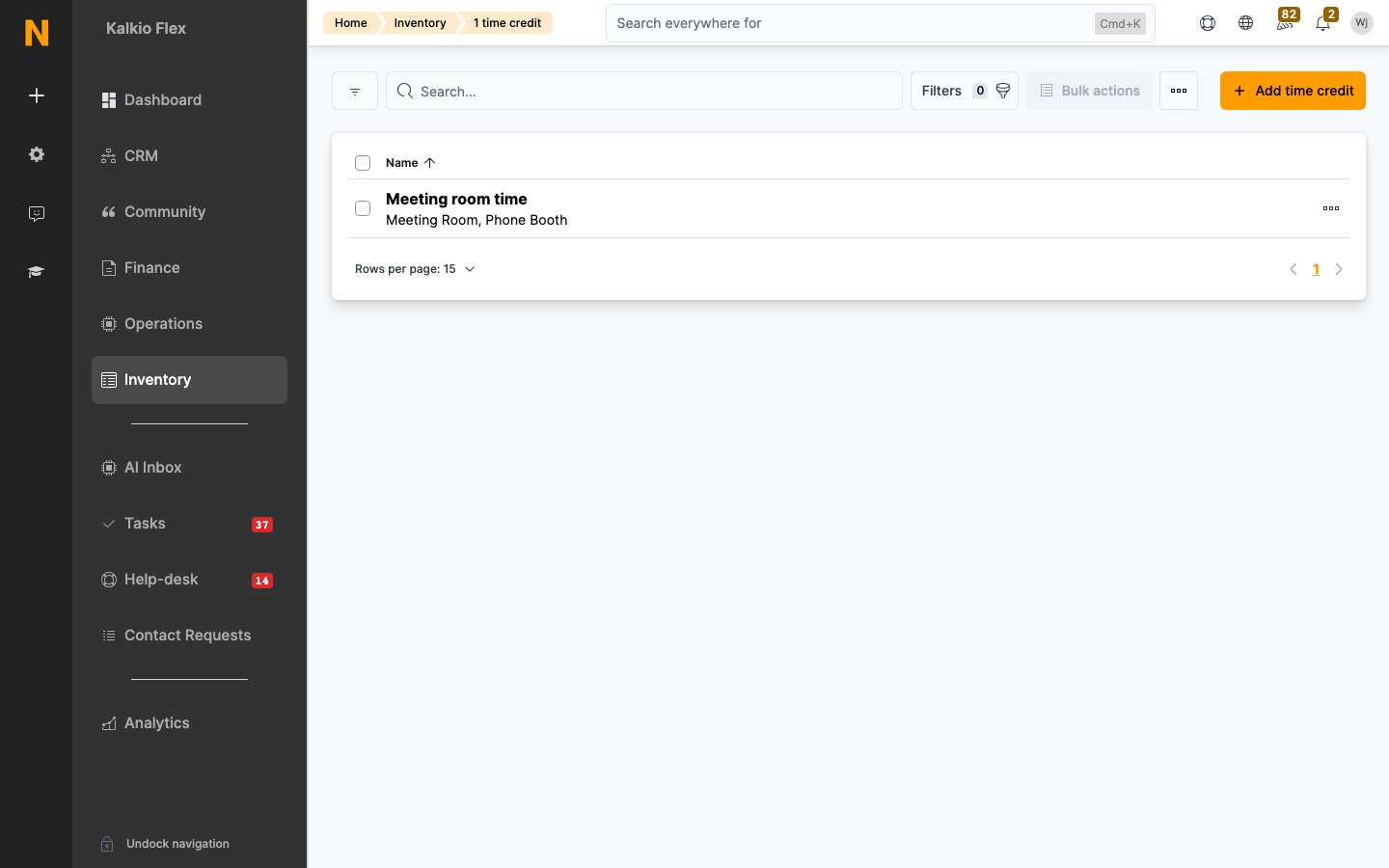
Creating a time credit
Click Add time credit and fill in: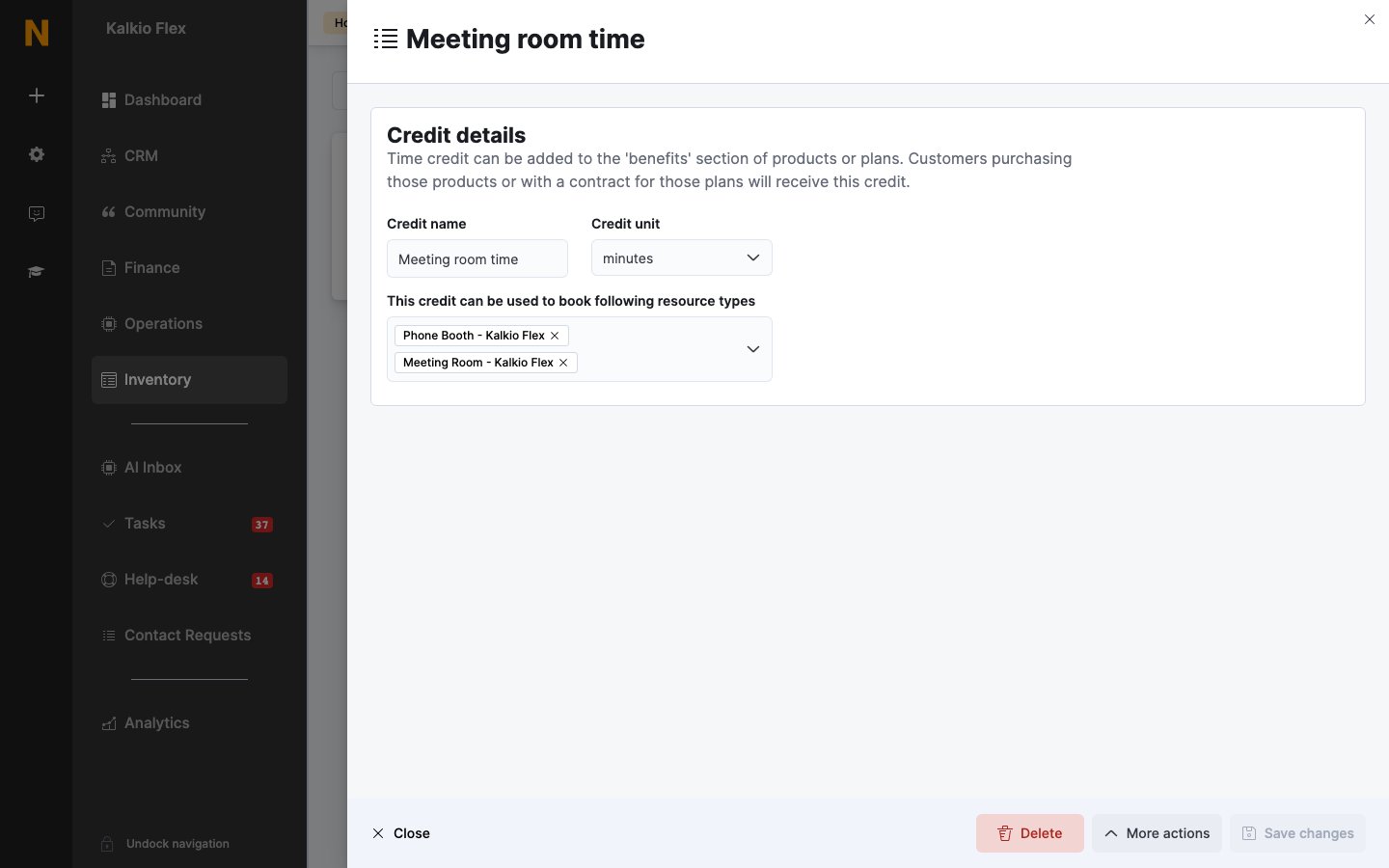
Including time credit in a plan
Open the plan from Inventory → Plans, go to Benefits → Time credit, and click Add time credit. Choose the credit, enter the Credit amount in its unit, and choose when it expires and is replaced under This credit expires…: Every week, Every calendar month, Every time the contract is invoiced, or Every year.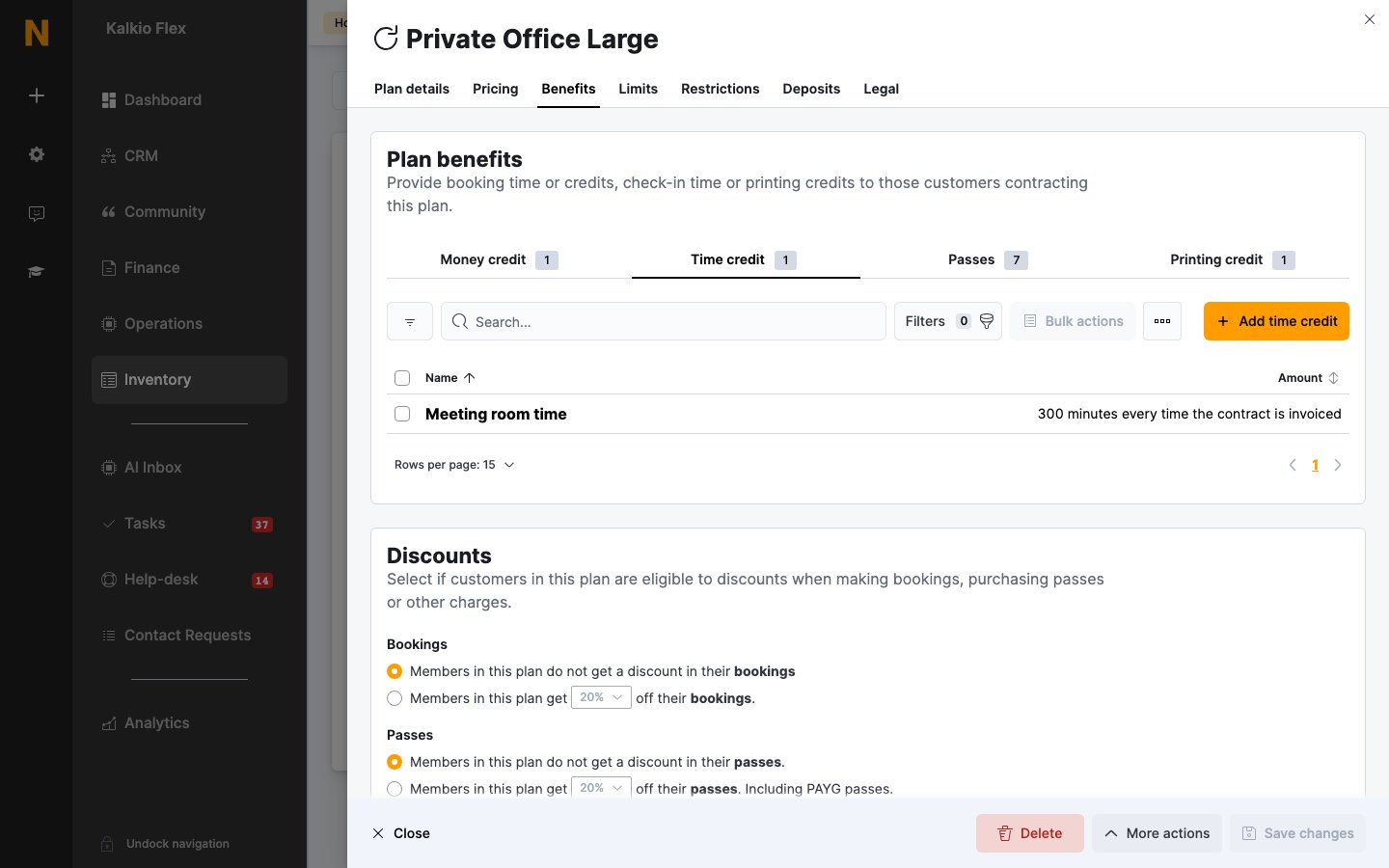
Selling time credit in a product
To let customers buy extra hours, create a product such as Meeting Room Hours (10-pack), open its Benefits → Time credit tab, and click Add time credit. Choose the credit and Credit amount, then whether This credit never expires. or This credit expires after: a set period. Customers get the credit when they buy the product.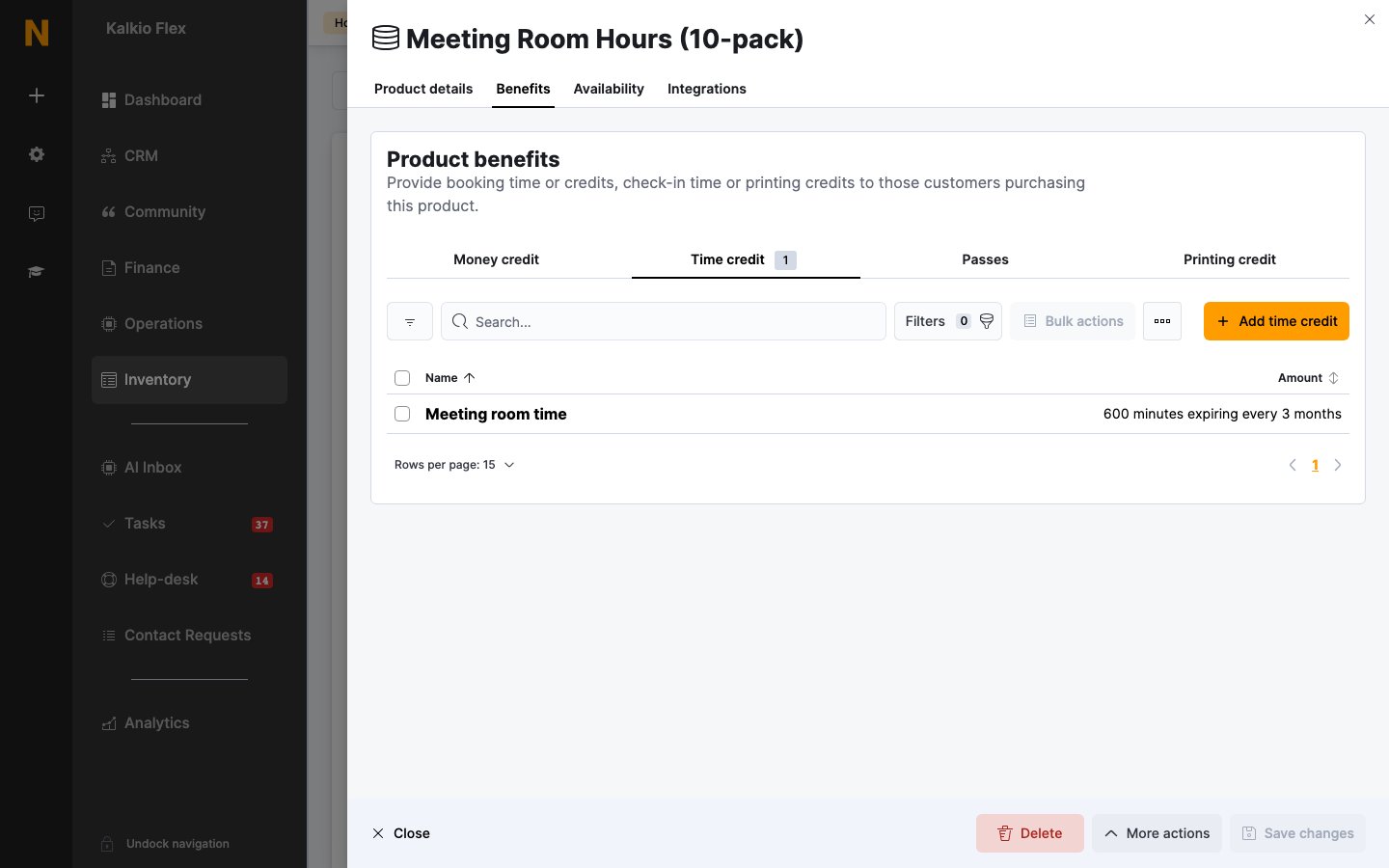
Adding time credit to a customer directly
You can also add time credit to one customer from their Benefits → Time credit tab with Add time credit — choose the Credit type, the Total credit, and the Valid from and Expires on dates.How time credit is used
Time credit is used before any discount or money credit. If a booking is shorter than the customer’s remaining credit, it’s free; otherwise only the time over the credit is charged. Credit is valid for bookings that start within its valid period, whenever they were made. See Booking pricing and credit.Related
- Credits — the three kinds of credit
- Money credit — a balance to spend on bookings and more
- Rates — what bookings cost when credit runs out
- Credits and benefits — adjusting a customer’s balance and reviewing usage