

Overview
Money credit is a monetary balance customers can spend instead of paying — for example £100 a month to spend on meeting rooms and events. You choose what each credit can pay for: bookings of certain resource types, event tickets, and optionally products, plans, passes, and other charges. Unlike time credit, money credit isn’t set up as a separate item. You create it directly on the plan, product, or customer it belongs to.Including money credit in a plan
Open the plan from Inventory → Plans, go to Benefits → Money credit, and click Add money credit.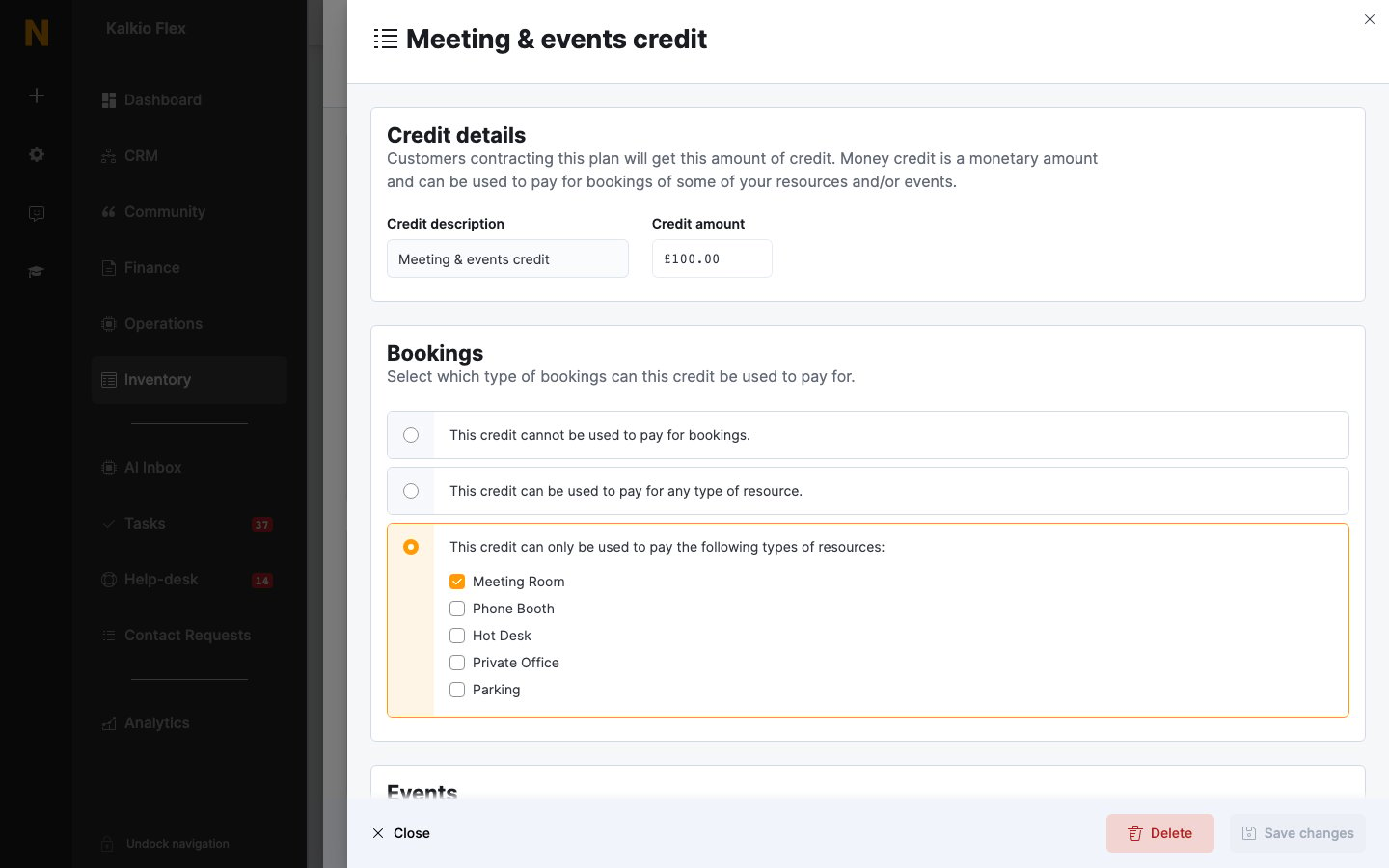
If a resource rate has a Credit price, money credit is spent at that price instead of the normal price.
Selling money credit in a product
To sell credit bundles, create a product — for example Credit Bundle £200 — open its Benefits → Money credit tab, and click Add money credit. The options are the same as for plans, except Expiration, where you choose whether This credit never expires. or This credit expires after: a set period. Customers get the credit when they buy the product.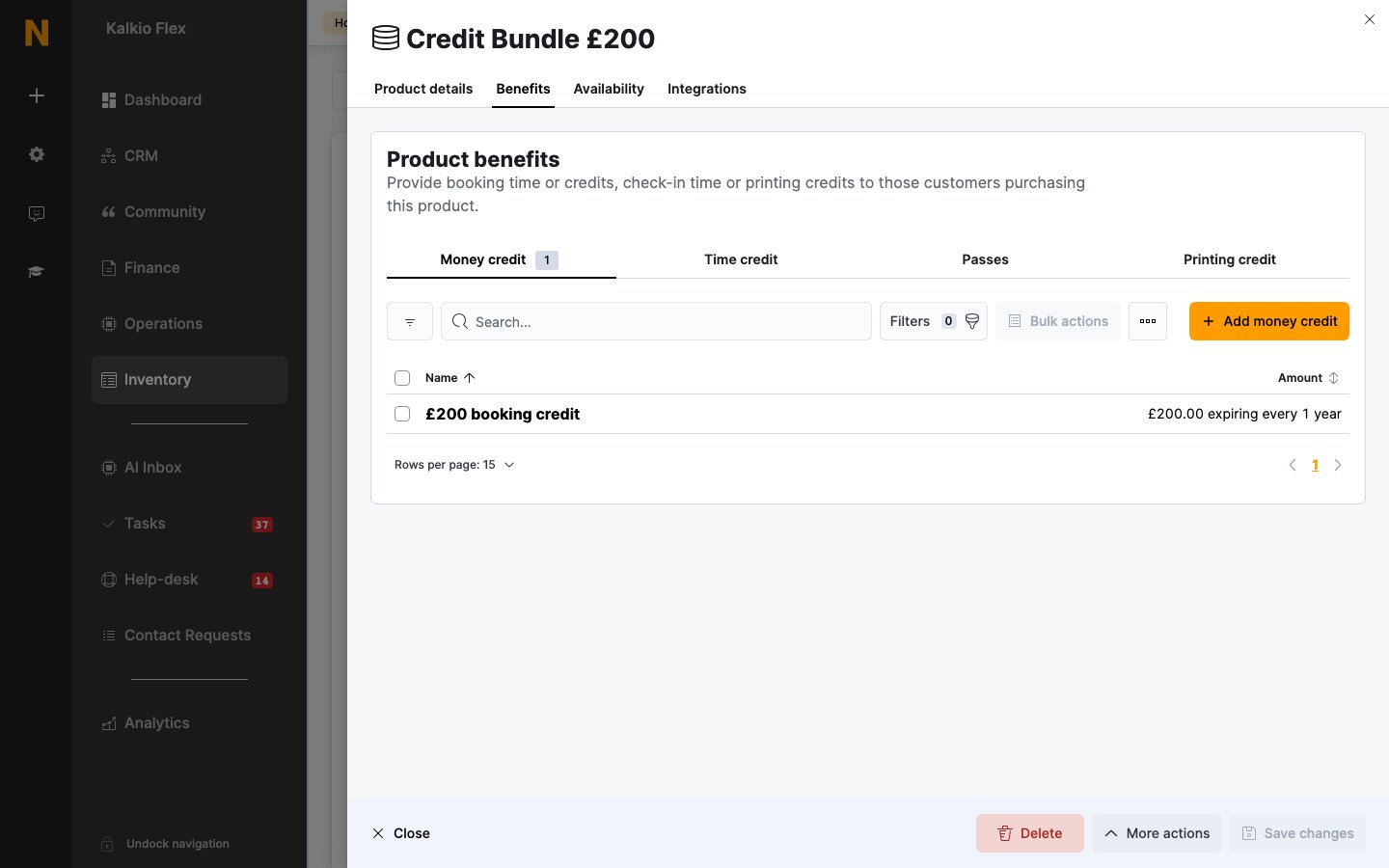
Adding money credit to a customer directly
To add money credit to one customer, open their Benefits → Money credit tab and click Add money credit. Enter a Credit description, the Total credit, the Valid from and Expires on dates, and what it can pay for. It’s listed with the source Manual.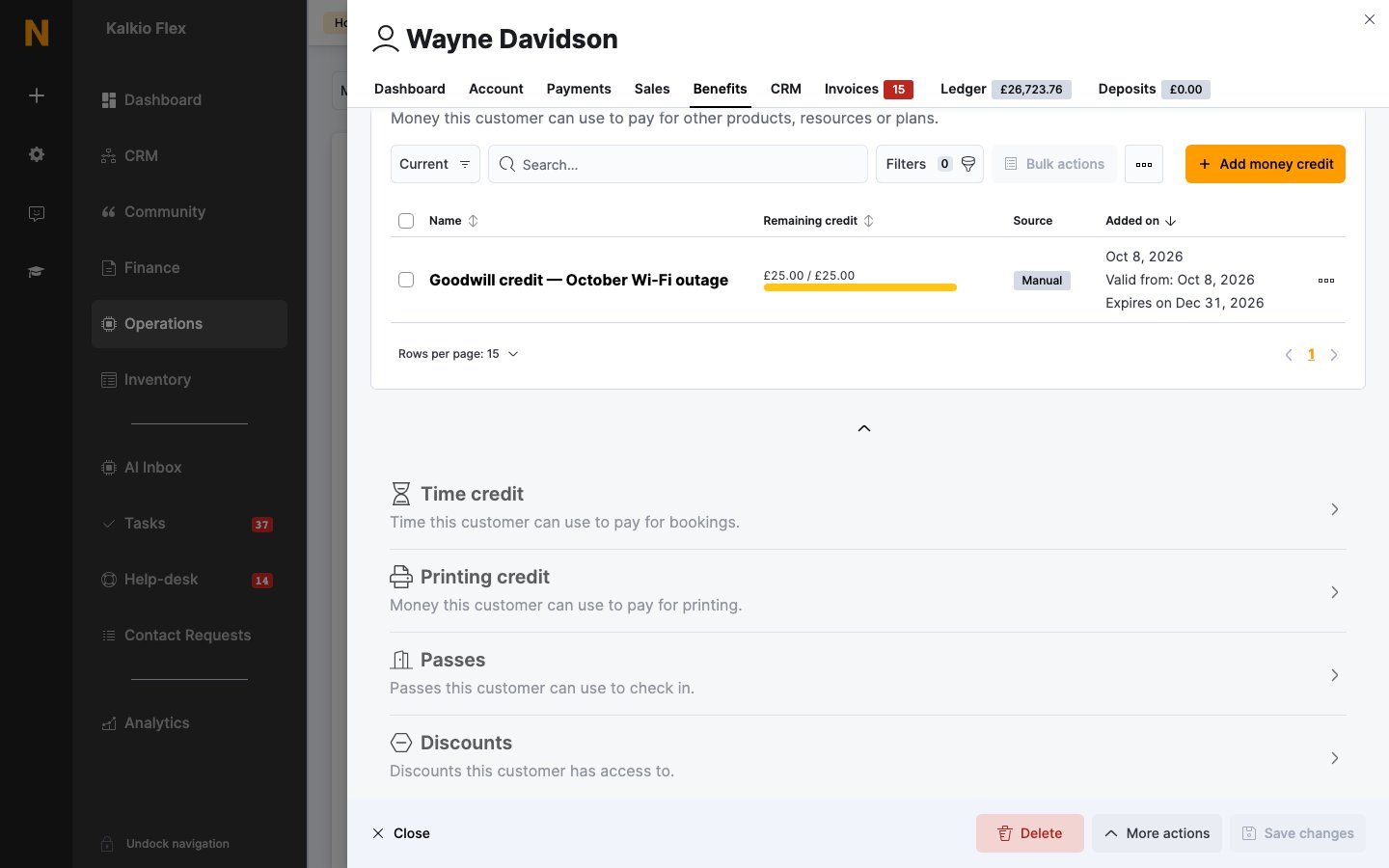
How money credit is used
Money credit is used after time credit and discounts. To let customers pay for products requested with a booking using money credit, or to reject bookings their credit doesn’t cover, see Booking pricing and credit.Related
- Credits — the three kinds of credit
- Time credit — an allowance of booking time
- Credits and benefits — adjusting a customer’s balance and reviewing usage
- Ledger — the customer’s full financial history